
Ask any procurement or facilities team what “pixel pitch” means, and you’ll usually get a vague answer involving the word “sharp.” That’s not wrong, exactly, but it’s not enough to spec a screen correctly either. Pixel pitch is one of the few LED display specs that directly determines both how good your screen looks and how much it costs, so getting it right matters more than most line items on a project sheet.
Here’s a straightforward way to think it through, without needing an engineering background.
What Pixel Pitch Actually Means?
Pixel pitch is the distance, in millimetres, between the centre of one LED pixel and the centre of the next. A P1.5 screen has 1.5mm between pixels; a P2.5 screen has 2.5mm. The smaller the number, the more pixels are packed into the same area, which means higher resolution, but also a higher price tag.
For fine-pitch indoor screens (generally anything under P2.0), this number becomes the single biggest factor in how a display performs in boardrooms, control rooms, lobbies, and showrooms.
The Rule That Actually Matters: Viewing Distance
Here’s the part most spec sheets skip: pixel pitch only matters relative to how far your audience stands from the screen. A simple starting point many integrators use is this: take the pixel pitch in millimetres and multiply it by roughly 1.5 to 2 to estimate the comfortable minimum viewing distance in metres.
So a P1.5 screen becomes genuinely comfortable to view from around 2.3 to 3 metres. Push viewers closer than that, and individual pixels start becoming visible. Push them farther than necessary, and you’re paying for resolution nobody in the room can actually perceive.
This is the number one mistake in fine-pitch projects: buying finer pitch than the room requires, or the opposite, installing a coarser pitch in a room where people sit close enough to notice every pixel gap.
Matching Pitch to the Room
A rough field guide for common fine-pitch indoor scenarios:
- P0.9–P1.2 – Control rooms, broadcast studios, and spaces where operators sit within 2 metres and read fine text or data all day
- P1.5–P1.8 – Boardrooms and executive conference rooms, typically viewed from 2 to 4 metres
- P1.9–P2.5 – Corporate lobbies, retail displays, and general commercial spaces viewed from 3 to 8 metres
These aren’t rigid rules; they’re a sensible starting range before you factor in the room’s actual dimensions and how the screen will be used.
What Else Should Influence the Decision?
Viewing distance gets you most of the way there, but a few other factors deserve a seat at the table:
- Content type – Data dashboards and fine text demand a finer pitch than video-heavy content, even at the same distance
- Ambient lighting – Bright, sunlit lobbies benefit from higher-brightness modules, which sometimes shifts the pitch decision
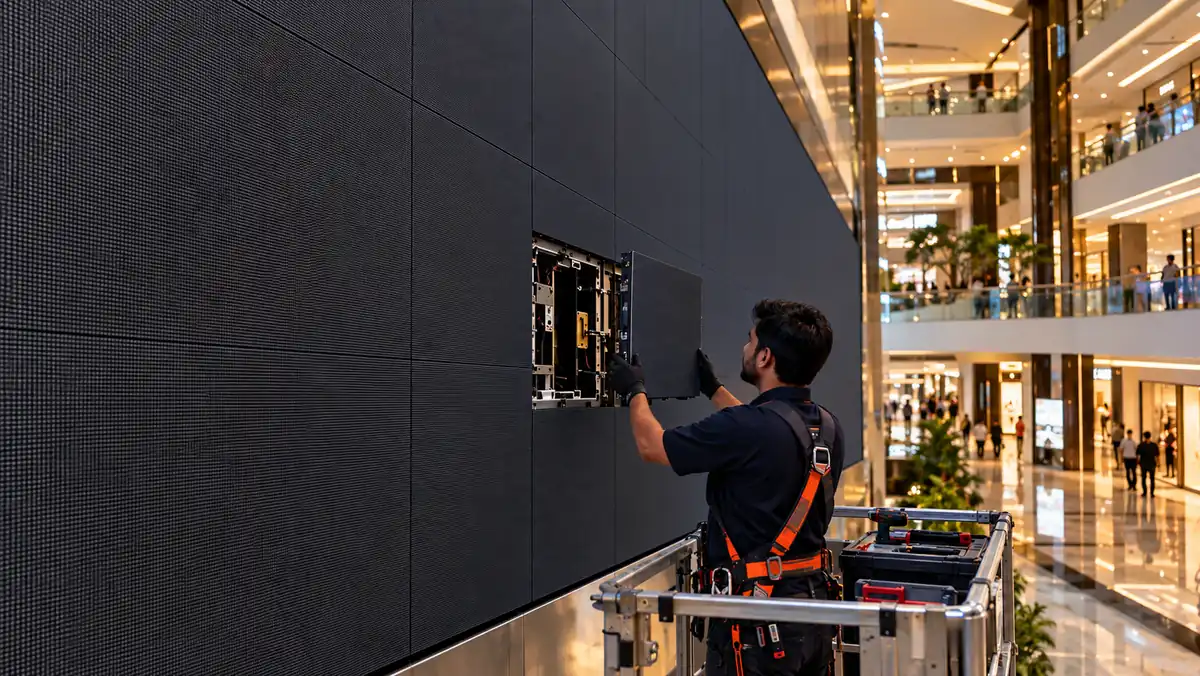
- Maintenance access – Ultra-fine pitch modules with COB packaging can be less straightforward to service than standard SMD panels, which matters for long-term facility upkeep
- Signal source – Feeding a screen from a standard laptop or conferencing system caps the useful resolution; an ultra-fine pitch may exceed what your content source can actually deliver
The Screen-Door Test
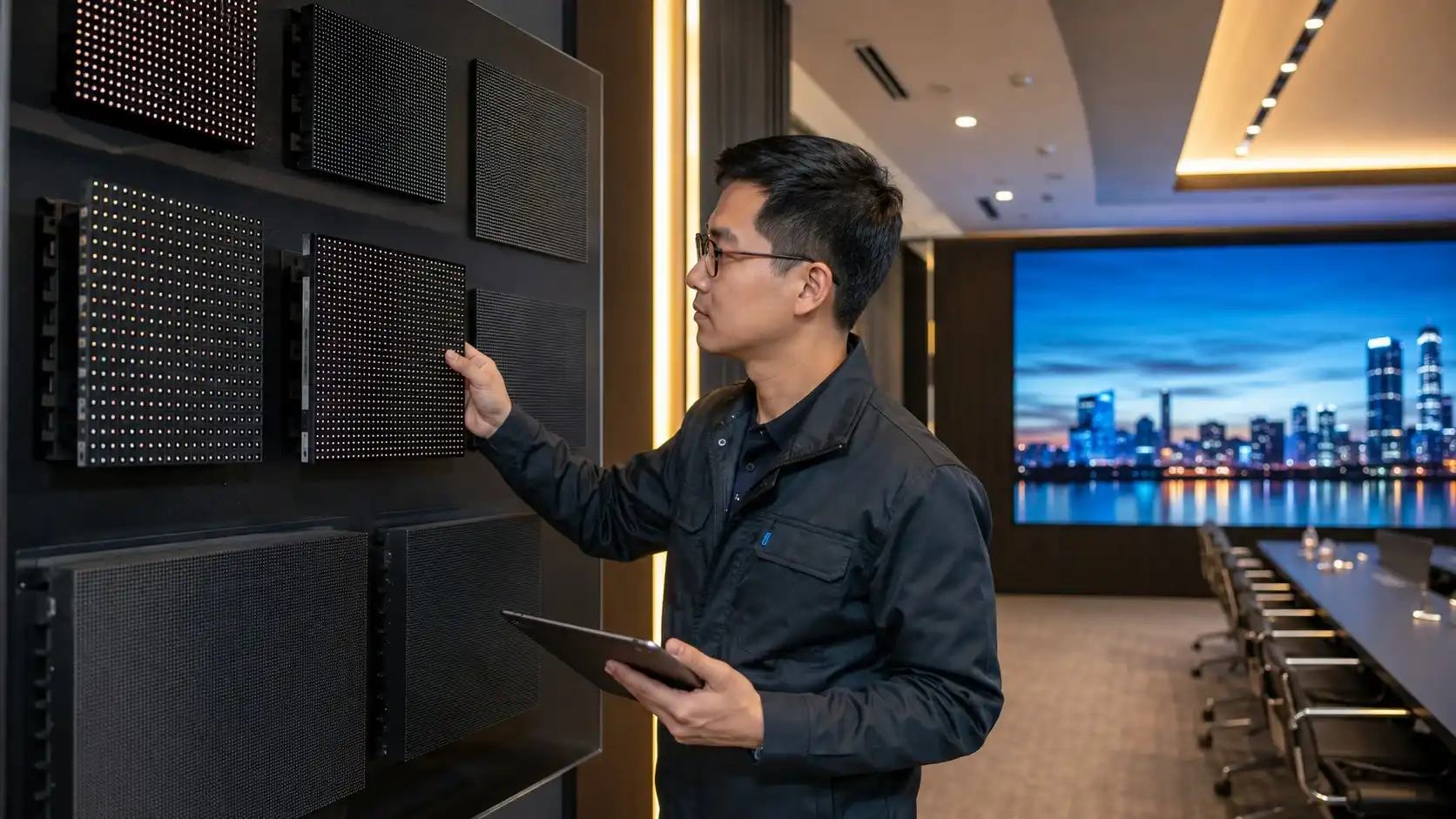
Here’s a practical way to sanity-check a pitch decision before signing off on a purchase order, without needing any formulas at all: stand at the room’s typical seating distance and look at a similar-pitch sample panel, if your vendor can provide one. If you can see distinct gaps between pixels, sometimes called the “screen-door effect,” the pitch is too coarse for that distance. If the image looks smooth and seamless even up close, you may be paying for resolution the room doesn’t need. This kind of on-site check catches spec mismatches that a datasheet alone won’t reveal, and it’s worth requesting from any vendor before finalizing an order.
Frequently Asked Questions
Does a smaller pixel pitch always mean a better screen?
No. A finer pitch only adds value if viewers are close enough to notice the difference. Beyond a room’s typical viewing distance, a coarser and more cost-effective pitch will look identical to the eye.
What pixel pitch is best for a standard boardroom?
Most boardrooms with viewers seated 2 to 4 metres away are well served by P1.5 to P1.8, balancing image clarity with project cost.
How does pixel pitch affect overall project cost?
Finer pitches require significantly more LED components per square metre, which increases both material and installation costs, so pitch should be matched to genuine need, not maximized by default.
Planning a Fine-Pitch Installation?
Getting pixel pitch right is as much about understanding the room as it is about the spec sheet, and it’s a decision worth making with input from the people who’ll be manufacturing and installing the screen. Vision Display works with organizations to assess viewing distance, content needs, and budget before recommending a pitch, not after. Talk to our team about the right fit for your next indoor installation.